
Professional 3D ear reference
Never get caught looking it up again.
The ear in front of you has folds, ridges, and a shape no chart ever showed you. Auriculo 360 puts a rotatable 3D ear on your phone — 270+ points, 200+ protocols, European and Chinese systems — so you can find the point in seconds without leaving the room or opening a book.
Rated by practitioners
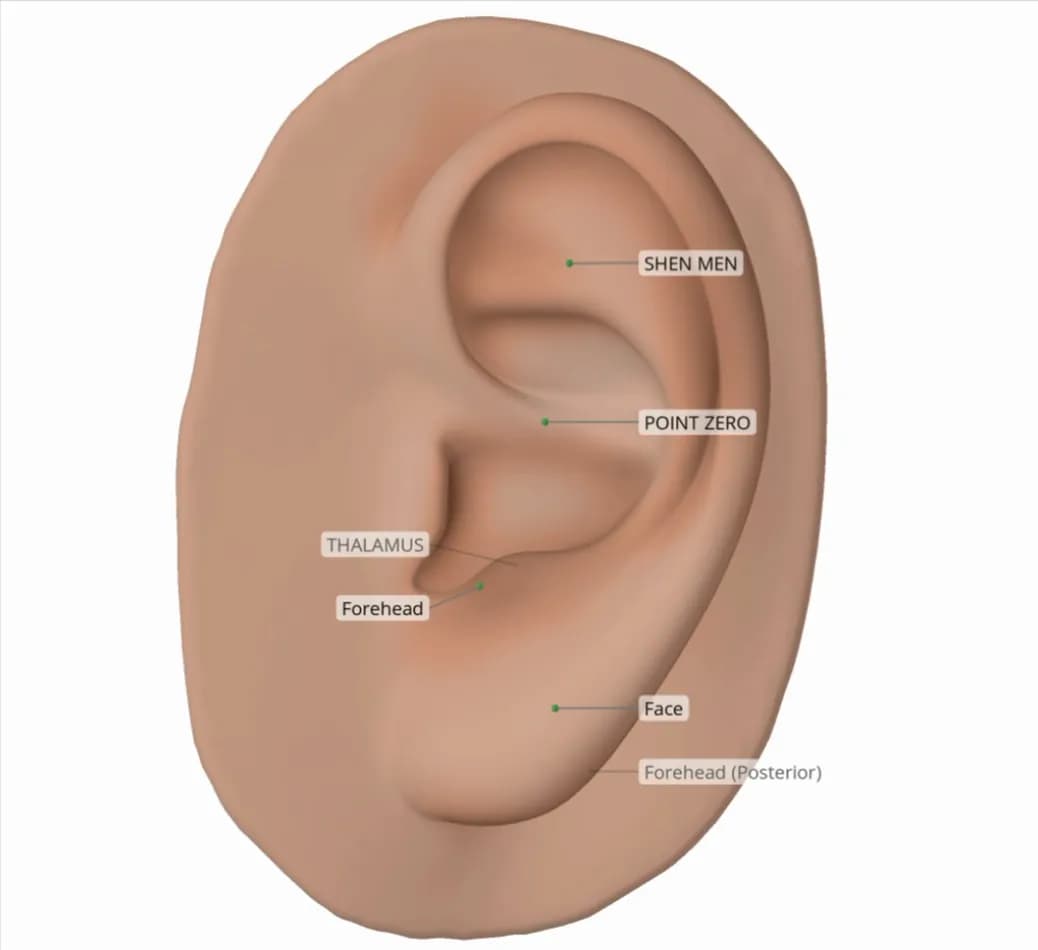
- Shen Men
- Point Zero
- Forehead
- Thalamus
- Face
- Forehead (Posterior)
The chart is flat. The ear isn't.
An ear chart can show you where a point is supposed to be—but a real ear has curves, folds, ridges, and depth that a flat image simply can't capture.
Auriculo 360 lets you explore auricular points on an interactive 3D ear, giving you a clearer view of where points are located and how they relate to the ear around them.
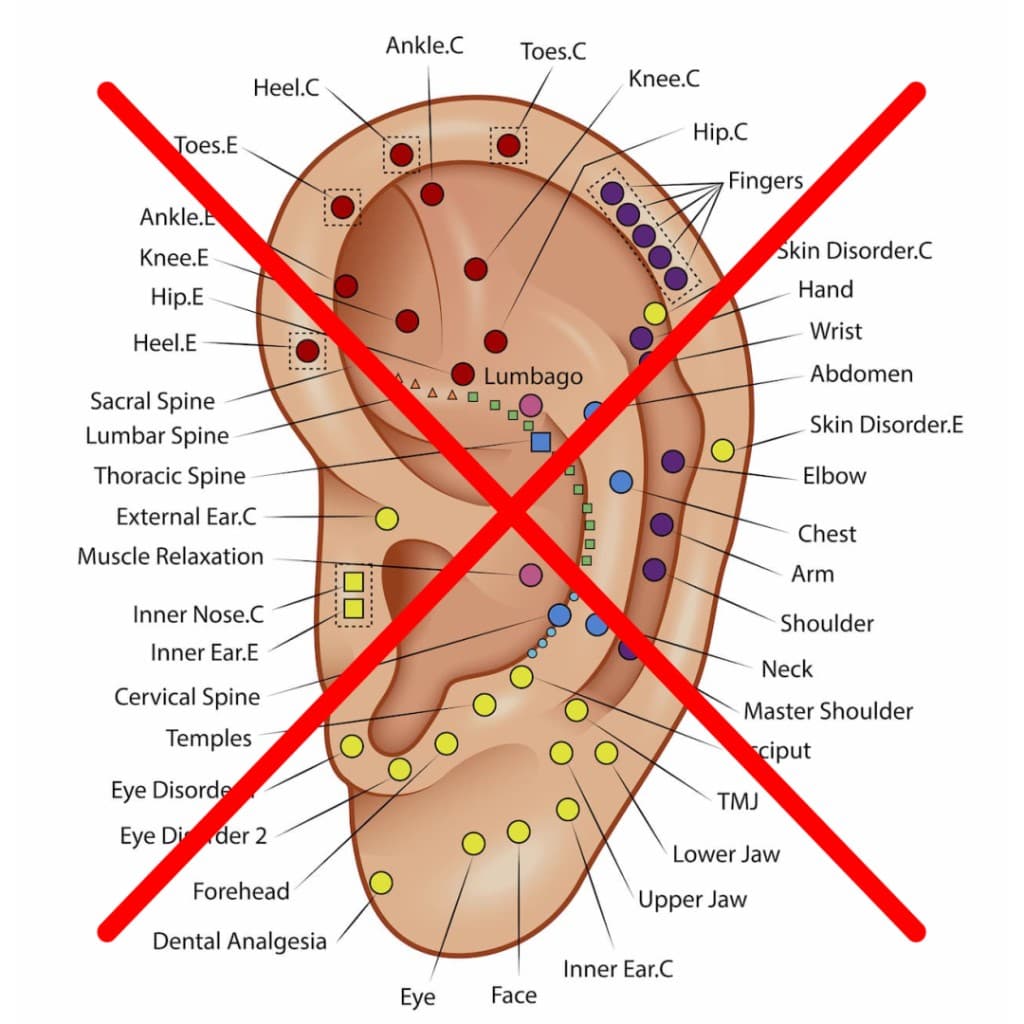
Welcome to Auriculo 360
What is Auriculotherapy?
Auriculotherapy — also called auricular medicine or ear acupuncture — works with points on the auricle (external ear), mapped as a reflex system of the whole body.
Acupuncturists, chiropractors, naturopaths, dentists and other trained practitioners use it every day.
In Chinese medicine the ear is a microcosm of the body, so the ear is mapped as a microsystem of the whole body. Practitioners use it alone or with other care.
Built for the ninety seconds before you touch the ear
Rotate the actual ear
A true 3D model — not a diagram with a 3D feature bolted on. Turn it, zoom it, switch between left and right. See the point where it sits on the anatomy in front of you.
Both systems, one place
Complete European and Chinese point systems, 270+ points, 200+ researched protocols, with clinical information on every one. Plus laser and e-stim frequencies from Nogier, Bahr, and Reininger.
On whatever screen is closest
Phone at the clinic, laptop at the desk, tablet for study. Your notes and custom protocols sync across all of them. Works offline—even when Wi-Fi doesn't.
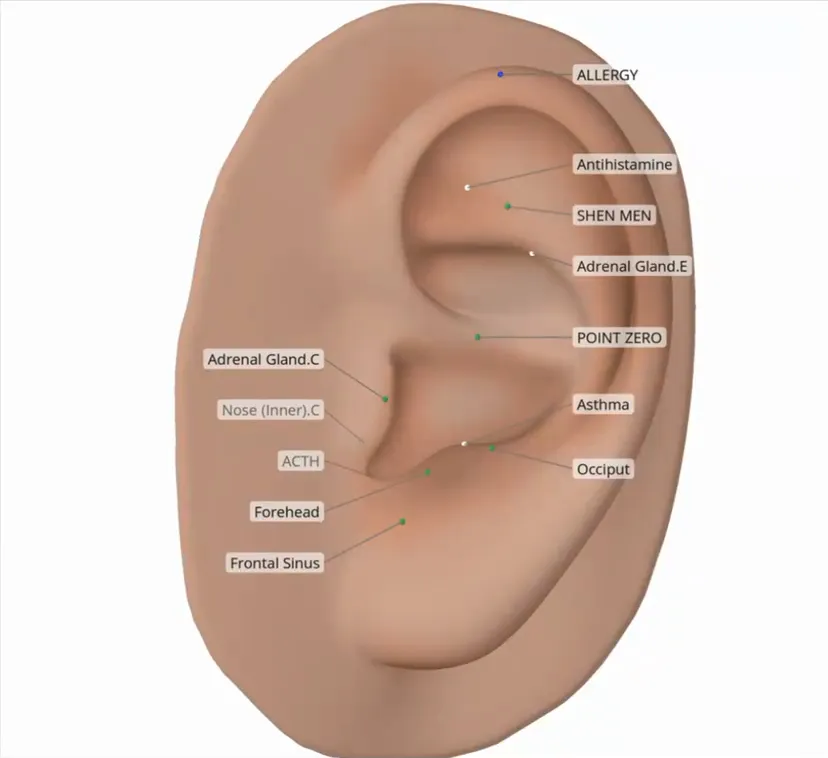
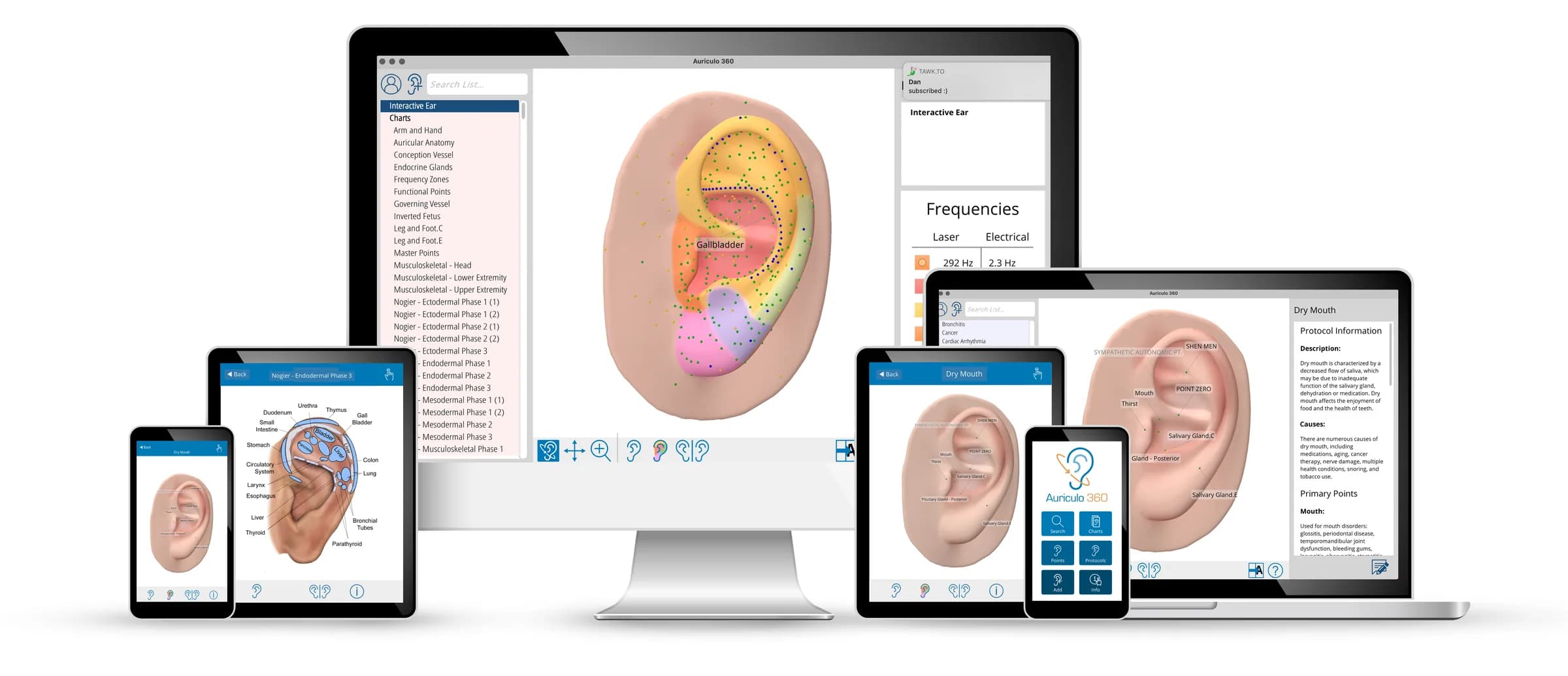
Show them the ear. Watch them say yes.
Show the point, not just the chart. A rotating 3D ear makes point location easy to see and easy to explain.

Practitioners who've used it for a decade. And ones who started last month.
“I love the fact that you can switch the ear right and left. That helped me so much when I first got certified.”
— App Store review
“When a new client comes in and I haven't had a chance to interview them, I can look for it on my software without fumbling through books and wasting precious time.”
— Cheryl V., verified customer
“All the know-how, technique and experience goes out the window when we are overwhelmed and exhausted. The instruments and the software are like having a team of experts by my side.”
— SusanIsabel, App Store review, 10+ year customer
“I am in the process of learning auriculotherapy. I really thought it might be just for when I was finished — seeing the placement of points, TCM and European, is so useful to the learning process.”
— Ester S., verified customer
A peer-reviewed paper in Medical Acupuncture describes Auriculo 360 as the only software dedicated to auriculotherapy.
Two plans. Cancel any time.
Individual
$14.92/month
when paid annually
up to 3 devices
Clinic
$19.08/month
when paid annually
up to 10 devices
Both include: all points and protocols, cross-device sync, free updates, five languages, offline mode.
Free trial first — no charge until it ends, and we'll email you before it does.
Frequently asked questions
See all FAQsWhat is Auriculotherapy?+−
Auriculotherapy works with points on the external ear, mapped as a reflex system of the whole body. Acupuncturists, chiropractors, naturopaths, dentists and other trained practitioners use it every day.
In Chinese medicine the ear is a microcosm of the body, so the ear is mapped as a microsystem of the whole body. Practitioners use it alone or with other care.
Who is Auriculo 360 for?+−
Trained auriculotherapy and acupuncture practitioners, and students in a training program. It is a reference and study tool.
How will I get access to Auriculo 360 after purchase?+−
Install Auriculo 360: download Windows or Mac from this website, or get the phone/tablet app from the App Store or Google Play. Open it, enter the email you signed up with, and tap Send Code. We'll email you a 6-character login code (from service@miridiatech.com). Enter it and you're in. You'll usually only need a code the first time on each device.
See Support → Installation & technical specs for current installers.
Why is Auriculo 360 a subscription?+−
Because the point research changes. We've updated frequency zones based on new findings, corrected point locations, and added points as the literature developed — most recently the Cortisol point and revised tooth point locations. Software you bought once would be frozen at the day you bought it. Your subscription is what keeps the reference current, on every device, in every language.
Will Auriculo 360 work on my device?+−
Phone at the clinic, laptop at the desk, tablet for study. These are the current requirements.
Windows 10 or 11, Direct3D 12 (feature level 12_0) or Vulkan 1.0, 1 GB disk, 4 GB RAM, internet required.
macOS 13 Ventura or newer, Metal graphics, 1 GB disk, 4 GB RAM, internet required.
iOS / iPadOS 16 or newer: iPhone 11 or newer, iPad 5th generation or newer.
Android 10 or newer, 64-bit ARM devices only, Vulkan or OpenGL ES 3.0, internet required.
Find your first point in the next five minutes.
Start the trial, open it on your phone, and look up a point you used this week. That's the whole test.
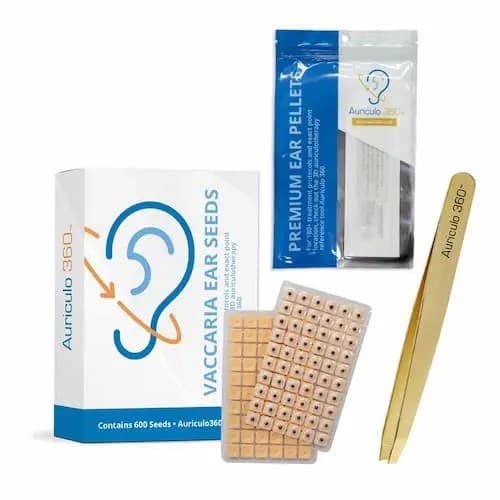
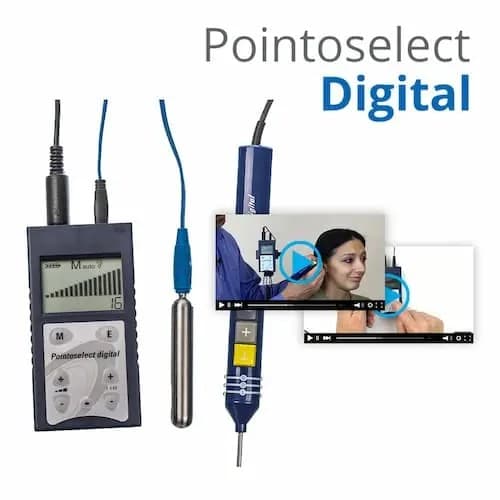
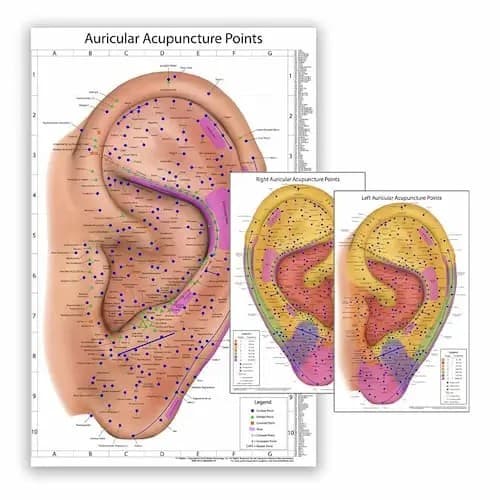
Other Auriculotherapy Tools
Get in Touch With Us
Stay connected with us for the latest updates, tips, and best practices in auriculotherapy. Join our community of practitioners who trust Auriculo 360 to work faster and locate points with confidence.
Tutorials & Training
- How to use Auriculo 360
- Software walkthrough
Auriculo 360 Installation
- How to install Auriculo 360 on my device
- Technical Specs
Account Help
- Sign-in help
- Change your Plan
Need direct help?
Start with the guides below for training, installation, and account tasks. If you are still stuck, reach our support team by email or phone — or browse every topic on the Support hub.
Email support: help@miridiatech.comCall support: 208.846.8448
Experiencing Account or Login Issues?
Need help signing in to Auriculo 360? Visit our account help page for sign-in codes, device limits, and billing help.